Your whole store, in every language
Lingopilot translates your Shopify store with AI and keeps it translated. New products are translated automatically, and your own edits are never overwritten.
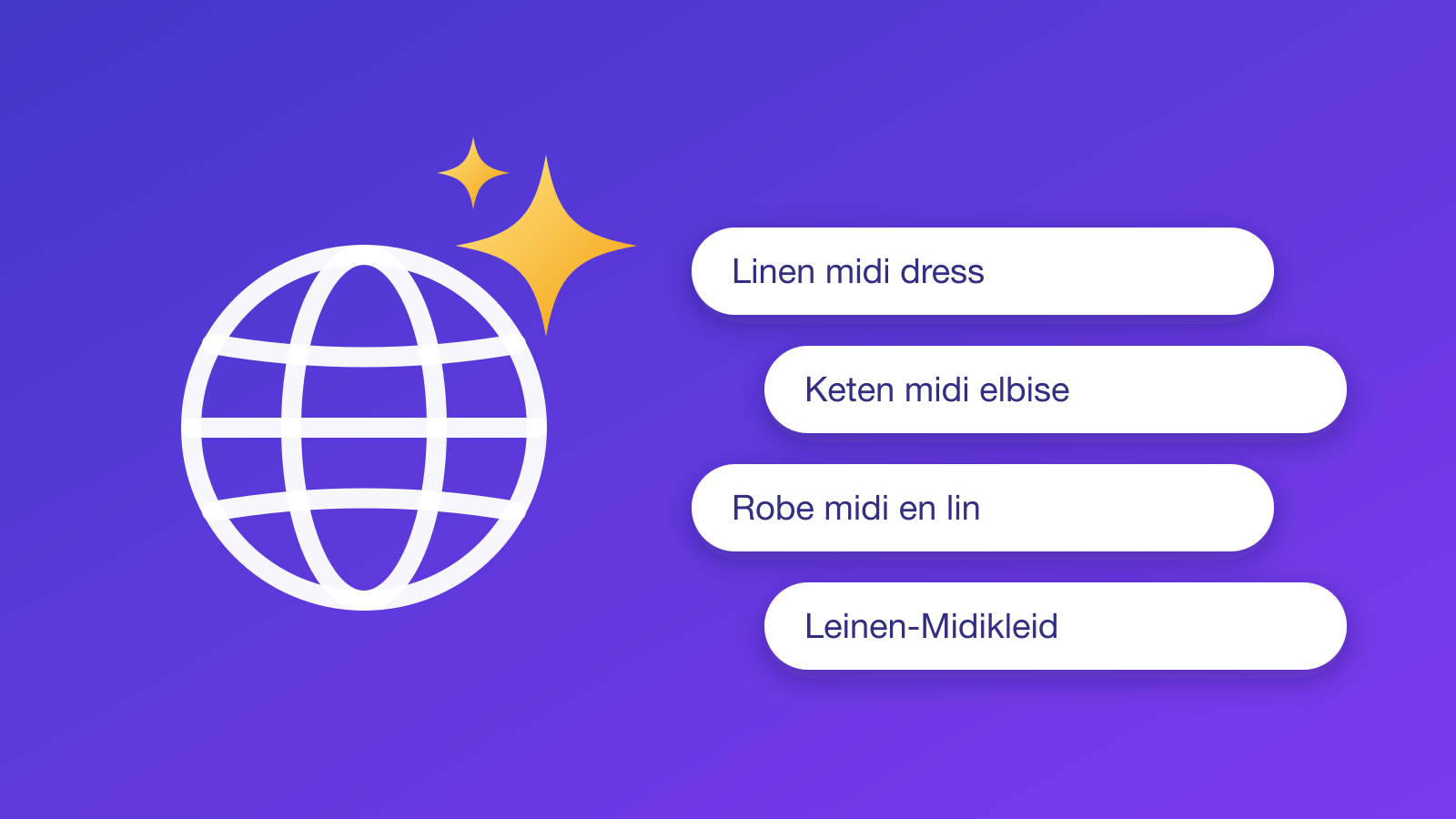
Translated in three steps
No spreadsheets, no copy and paste, no code.
Install and pick languages
Add languages in Shopify, then choose which ones Lingopilot should translate.
Translate your store
One click translates everything that is missing. Progress for each language shows on the dashboard.
Let Autopilot take over
From then on, new and changed content is translated automatically, while your own edits are left alone.
Everything you need to sell in more languages
Built for merchants who want a fully translated store without babysitting it.
Your whole store
Products, collections, pages, blogs, menus, filters, metafields, metaobjects, theme texts, checkout texts and notification emails.
Autopilot
New and edited products and collections are translated about a minute after you save them. A nightly check catches everything else.
Your edits stay yours
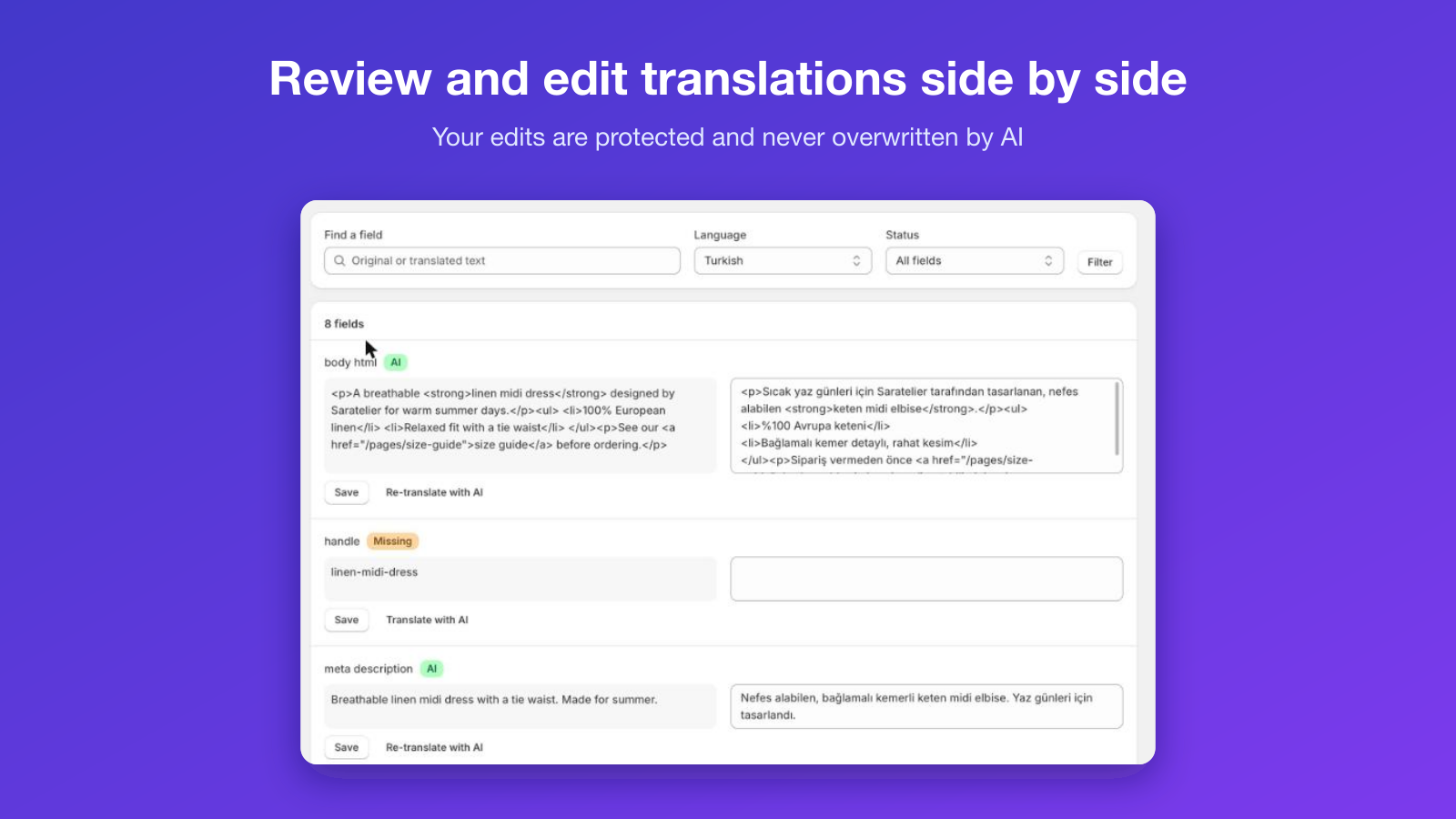
Change a translation yourself and it becomes protected. AI never overwrites it, even when the original text changes.
Side-by-side editor
Review the original and the translation next to each other, edit by hand, or re-translate a single field with AI.
Search and replace
Fix a word everywhere at once with store-wide search and replace across all translations of a language.
Your brand voice
A glossary keeps brand and product names untranslated or translated your way, and a store description and tone guide the AI.
Simple pricing
Start free. Billed through Shopify, cancel any time.
Free
$0 / month
- 1 language
- 50,000 AI characters per month
- Autopilot
- Unlimited manual editing
Starter
$9.99 / month
7-day free trial- 3 languages
- 500,000 AI characters per month
- Autopilot
- Glossary and brand tone
Growth
$24.99 / month
7-day free trial- Up to 20 languages
- 2,000,000 AI characters per month
- Autopilot
- Glossary and brand tone
Questions
What does Lingopilot translate?
Products (titles, descriptions, SEO, options and option values), collections, pages, blogs and articles, menus and storefront filters, metafields, metaobjects, theme texts, checkout and system texts, notification emails, store details, image alt text and, if you choose, your policies. You decide which of these are included in Settings.
Which languages are supported?
Any language you can add to Shopify under Settings › Languages. Lingopilot translates from your store’s default language into the languages you select in the app; languages you don’t select are never touched, so you can manage them another way.
How does Autopilot work?
When you create or edit a product or collection, Shopify notifies Lingopilot and the changed fields are translated about a minute later. Everything else, such as theme changes, pages and menus, is picked up by a nightly check. Only new or changed text is translated, so unchanged content never uses your allowance.
Will Lingopilot overwrite translations I edited myself?
No. Any translation that wasn’t written by Lingopilot, whether you edited it, another app wrote it or it is built into Shopify or your theme, is marked as protected and never overwritten. You can hand a field back to the AI at any time from the editor.
Where are the translations stored? Will it slow down my store?
Translations are saved directly in Shopify, the same place Shopify’s own Translate & Adapt app uses. Lingopilot adds no scripts or app embeds to your storefront, so your store’s speed is unaffected, and your translations stay in your store if you ever uninstall.